Installing Excell in Your Garage: A Visual Walkthrough
Forty-five minutes, a 10mm socket, and a flashlight. Here's exactly what you'll do, in the order you'll do it.
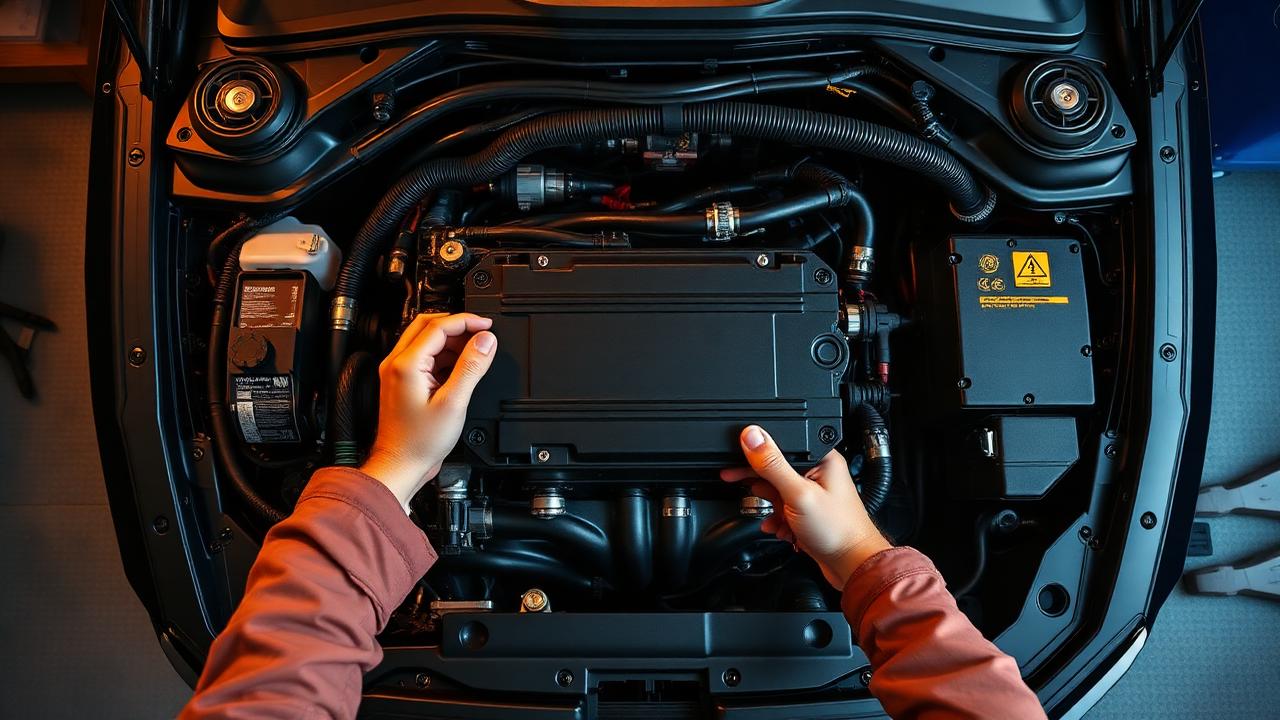
We deliberately designed Excell so a competent home mechanic can install it without lifting the car or removing a single body panel. If you can change your own oil, you can do this.
What's in the Box
- Excell main module (CNC aluminum, sealed)
- Flex-fuel composition sensor + 1m fuel hose section
- Vehicle-specific ECU harness with mil-spec connectors
- Two stainless hose clamps
- Velcro mounting strap + adhesive backing pad
Step 1 — Disable the Fuel Pump (2 min)
Pull the fuel pump fuse, start the engine, and let it stall. This depressurizes the fuel rail so you don't get an unpleasant surprise when you cut into the line.
Step 2 — Splice the Flex Sensor (15 min)
Locate the fuel feed line in the engine bay (usually black plastic, ~8mm OD, running from firewall to rail). Cut a clean section, install the supplied hose with sensor inline, and clamp both ends. The sensor's electrical pigtail routes to the Excell module.
Step 3 — Tap the ECU Harness (15 min)
Locate your ECU. Unplug the main connector and slot the Excell harness in between — male to ECU, female to the OEM plug. This is purely a pass-through with three signals tapped: fuel composition, fuel temp, and ground.
Step 4 — Mount the Module (5 min)
Excell ships with a velcro/adhesive mount. Stick it to any flat metal surface in the bay (we recommend the firewall above the brake booster on most platforms). Plug in the harness and sensor.
Step 5 — First Crank (8 min)
Reinstall the fuel pump fuse. Pair the module to the Excell mobile app via Bluetooth — it auto-detects your VIN, downloads the calibration, and runs a 90-second self-test before handing control back to you.